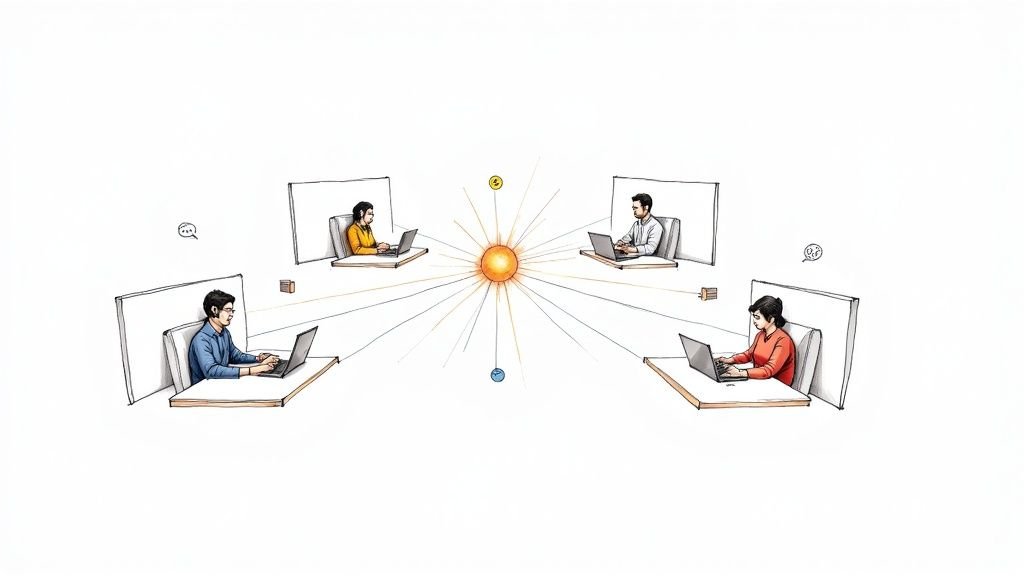
Staying Connected & Productive: Mastering Remote Work Communication
Effective remote work communication is crucial for success. This listicle provides eight actionable remote work communication tips to boost productivity and strengthen your team. Learn to optimize communication channels, improve collaboration, and build a thriving remote work culture. These tips will help you stay connected and achieve better results, whether you’re a seasoned remote worker or part of a growing distributed team. This guide covers establishing clear channels, practicing asynchronous communication, setting expectations, scheduling video check-ins, overcommunicating key information, documenting everything, creating virtual social interaction, and providing structured feedback. Implement these remote work communication tips to drive success in your remote work environment.
1. Establish Clear Communication Channels
One of the most crucial remote work communication tips is establishing clear communication channels from the outset. This involves designating specific tools and platforms for different types of communication, which helps remote teams avoid confusion, information overload, and ultimately, boosts productivity. Having a structured approach ensures messages are delivered through the most appropriate medium based on urgency, content type, and audience. This is particularly vital for early-stage startups scaling revenue, SMBs reducing hiring costs, enterprise companies seeking remote expertise, HR professionals focused on global hiring, and sales leaders building remote teams. A well-defined communication strategy streamlines workflows and ensures everyone is on the same page, regardless of location.
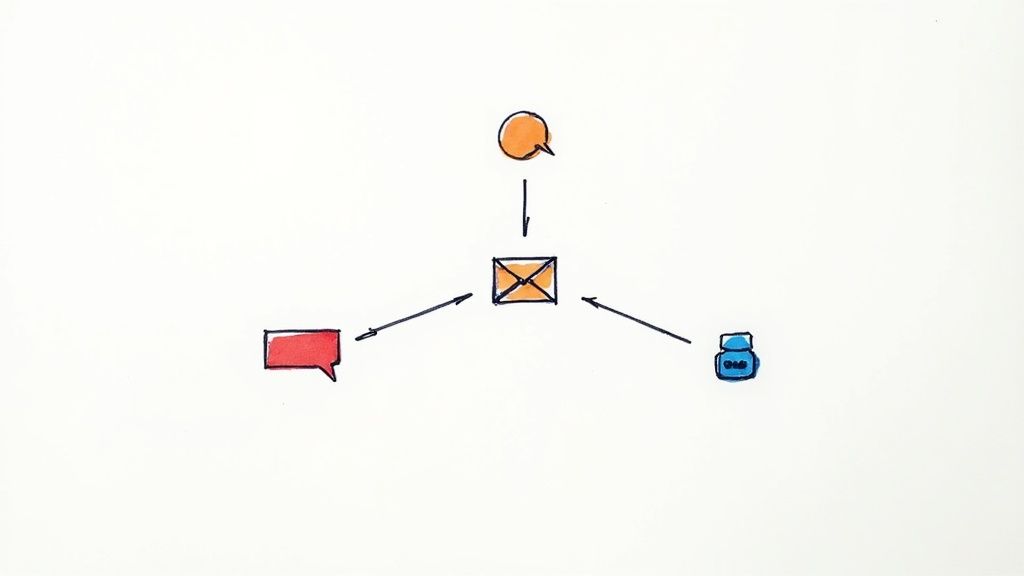
This approach relies on channel-specific communication protocols, careful tool selection based on communication needs, and clear guidelines for when to use each platform. For instance, instant messaging platforms like Slack might be ideal for quick questions and daily check-ins, while email is better suited for formal announcements or detailed project updates. Video conferencing tools are excellent for team meetings, complex discussions, or building rapport. Project management software, such as Asana or Trello, provides a centralized hub for task-related discussions, progress updates, and file sharing. Implementing these distinctions early on sets a strong foundation for efficient communication as your team grows.
Companies like GitLab, Automattic, and Zapier exemplify successful implementation of this strategy. GitLab's extensive remote work handbook details specific channel usage protocols, ensuring consistent communication practices across the organization. Automattic leverages P2 blogs for asynchronous discussions and Slack for quick exchanges. Zapier designates email for external communication, Slack for immediate needs, and project management tools for task-specific discussions. These examples demonstrate how tailoring communication channels to specific purposes can significantly improve team efficiency.
Tips for Establishing Clear Communication Channels:
- Document everything: Create a comprehensive communication guide outlining which tools to use for specific purposes (e.g., Slack for quick questions, email for formal communications, video conferencing for team meetings). This guide should be readily accessible to all team members, especially new hires.
- Onboarding is Key: Integrate your communication guide into the onboarding process for new team members. This ensures they understand the communication flow from day one and can contribute effectively.
- Regular Audits: Conduct periodic reviews of your communication channels to identify redundancies or inefficiencies. As your team and projects evolve, your communication needs may change, and it’s important to adapt accordingly.
- Be Flexible, But Structured: While structure is essential, allow for some flexibility within the framework. This can prevent the system from feeling overly restrictive and empower team members to choose the most effective communication method for a given situation.
Pros:
- Reduces information fragmentation across multiple platforms.
- Decreases response time for urgent matters.
- Minimizes confusion about where to find specific information.
Cons:
- Requires initial investment in setting up and documenting protocols.
- May need periodic reviews as team needs evolve.
- Can feel restrictive to team members who prefer complete flexibility.
Learn more about Establish Clear Communication Channels This resource can provide additional insights into implementing effective remote communication strategies.
This focus on establishing clear communication channels is crucial for successful remote work because it addresses the core challenge of distributed teams: maintaining efficient and transparent communication in the absence of physical proximity. By proactively defining communication protocols and leveraging the right tools, you create a virtual workspace that fosters collaboration, reduces misunderstandings, and ultimately drives productivity. This deserves its place at the top of any list of remote work communication tips. Inspired by approaches like GitLab's Remote Work Playbook, Basecamp's Shape Up methodology, and Automattic's distributed work model, prioritizing clear communication channels is a foundational element of successful remote work.
2. Practice Asynchronous Communication
One of the most impactful remote work communication tips is embracing asynchronous communication. This method allows team members to receive and respond to messages when it's most convenient for them, rather than demanding immediate replies. This is crucial for remote teams as it acknowledges varying time zones, individual work schedules, and personal productivity patterns, all while maintaining an effective flow of information across the team. Asynchronous communication helps create a more flexible and inclusive work environment, particularly beneficial for distributed teams.
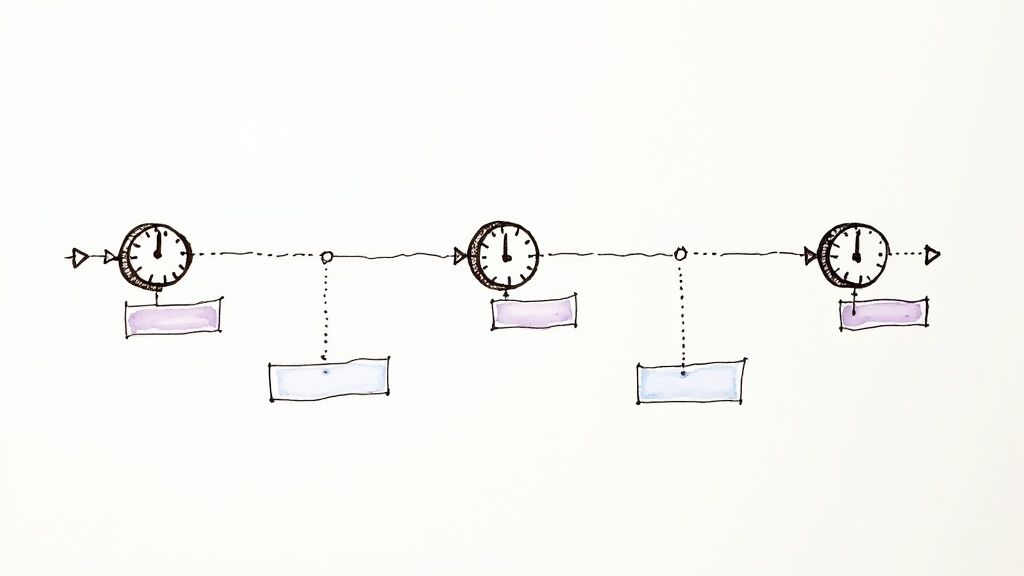
Asynchronous communication relies on time zone-friendly interaction patterns, detailed and self-contained messages, and a documentation-centric approach. Instead of expecting immediate responses in real-time meetings or instant messages, communication happens through emails, project management tools, shared documents, and discussion forums. This allows individuals to focus on their tasks without constant interruptions and contribute when they are most productive.
Benefits of Asynchronous Communication:
- Accommodates Global Teams: It bridges geographical gaps by allowing team members in different time zones to collaborate effectively.
- Deeper Focus and Fewer Interruptions: Team members can dedicate uninterrupted time to their work, leading to increased productivity and better quality output.
- Automatic Documentation: Written communication creates a natural log of decisions, discussions, and project updates, making it easy to track progress and onboard new team members.
- Thoughtful Responses: Individuals have time to consider their responses carefully, leading to more informed and well-structured communication.
Challenges of Asynchronous Communication:
- Potential Delays in Decision-Making: Complex decisions requiring immediate feedback can take longer to finalize.
- Risk of Isolation: The lack of real-time interaction can sometimes make team members feel disconnected.
- Requires Strong Writing Skills: Clear, concise, and comprehensive writing is crucial for effective asynchronous communication.
Examples of Successful Implementation:
- Doist (Todoist): Operates almost entirely asynchronously with a global team across 25+ countries, demonstrating the scalability and effectiveness of this approach.
- Buffer: Utilizes a transparent communication approach, leveraging tools like Discourse forums for team-wide discussions and knowledge sharing.
- Remote: Employs a "handbook-first" strategy, documenting decisions and processes meticulously, making information easily accessible to all team members.
- GitLab: Also known for its comprehensive handbook, showcasing the power of documentation in asynchronous-first organizations.
Actionable Tips for Implementing Asynchronous Communication:
- Utilize Tools: Explore tools like Loom or Soapbox to record video explanations when text-based communication isn't sufficient.
- Anticipate Questions: Craft messages that preemptively address potential questions and provide ample context to minimize back-and-forth exchanges.
- Clear Action Items & Deadlines: Always include clear action items, designated owners, and deadlines in your communications to ensure accountability and progress.
- "Async-First" but Flexible: Establish "async-first" principles as a default, but recognize when a situation calls for synchronous communication, such as urgent issues or complex brainstorming sessions.
Why Asynchronous Communication Deserves its Place:
For early-stage startups, SMBs, and enterprise companies alike, embracing asynchronous communication is essential for building and managing effective remote teams. It fosters a flexible work environment that attracts and retains top talent, reduces reliance on costly real-time meetings, and promotes a culture of thoughtful and well-documented communication. For HR and talent acquisition professionals, understanding and promoting asynchronous communication is key to attracting global talent. For sales leaders building remote sales teams, it allows for effective collaboration and management across geographical boundaries. By mastering this essential remote work skill, organizations can unlock the full potential of their distributed workforce and achieve greater success in today's increasingly remote world.
3. Set Communication Expectations
One of the most crucial remote work communication tips is setting clear expectations. This involves establishing defined guidelines around response times, availability, and communication frequency. Doing so helps remote teams function smoothly without the anxiety of constant connectivity. These expectations create healthy boundaries while ensuring team members remain accountable and responsive within agreed-upon parameters. This is essential for fostering a productive and balanced work environment, especially for those navigating the complexities of remote collaboration.
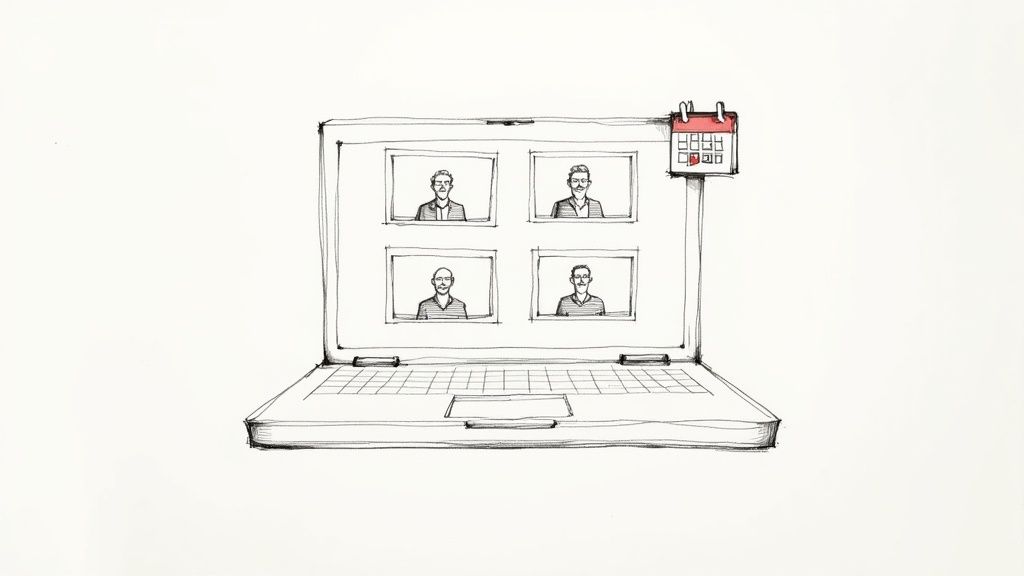
This approach offers several key features, including defined response time expectations, clear availability indicators and stated working hours, established meeting protocols and attendance requirements, and documented emergency escalation procedures. To ensure everyone is on the same page and communication flows smoothly, it's crucial to establish a well-defined plan. A helpful resource for this is the internal communications plan from resolution Reichert Network Solutions GmbH. This kind of planning allows distributed teams to anticipate communication patterns and plan their work accordingly.
Benefits of setting clear communication expectations:
- Reduces anxiety: Team members know when they're expected to respond and don't feel pressured to be constantly connected.
- Prevents burnout: Clear boundaries around communication prevent the always-on culture that can lead to burnout.
- Creates predictable communication patterns: This facilitates smoother workflows and better coordination across teams, especially valuable for businesses seeking to scale revenue or reduce sales hiring costs.
- Facilitates cross-timezone collaboration: When everyone's working hours and availability are clear, teams across different time zones can plan their collaborative work more effectively. This is particularly relevant for globally distributed teams common in enterprise companies seeking remote sales expertise and HR professionals focused on global hiring.
Examples of successful implementation:
- Shopify's "No Meeting Wednesdays": This initiative creates dedicated focus time by eliminating meetings on Wednesdays, allowing employees to engage in deep work.
- Toggl's Slack status updates: Team members at Toggl actively update their Slack statuses to indicate their availability, providing real-time insight into who is reachable.
- HubSpot's documented response time expectations: HubSpot sets clear expectations, such as responding to emails within 24 hours and Slack messages within 4 hours during work hours, promoting timely communication while respecting individual work rhythms.
Actionable Tips for Implementing Communication Expectations:
- Document response times: Specify expected response times for different communication channels (e.g., 24 hours for email, 4 hours for team chat during work hours).
- Utilize status indicators: Encourage the use of status indicators in communication tools (like Slack or Microsoft Teams) to signal availability.
- Define emergency protocols: Establish what constitutes an emergency and outline the procedures for handling urgent communications outside of standard working hours.
- Create team agreements: Develop team agreements regarding meeting attendance and camera-on policies to ensure consistency and respect for different preferences.
Pros and Cons:
Pros: Improved team cohesion, reduced stress, increased productivity, better work-life balance.
Cons: Requires customization for different roles/departments, needs regular reinforcement, can be challenging during crunch periods or emergencies.
Setting communication expectations deserves a place on this list of remote work communication tips because it directly addresses one of the biggest challenges of remote work: maintaining healthy communication habits and avoiding burnout. This proactive approach is crucial for fostering successful remote teams, making it highly relevant for early-stage startups, SMEs, and enterprise companies alike, as well as for HR professionals and sales leaders building remote teams. This principle aligns well with Cal Newport's concept of "deep work," emphasizing focused, uninterrupted time for high-value tasks, and leverages the capabilities of tools like Slack and its notification settings. It also reflects Microsoft's research on digital wellbeing in remote environments, highlighting the importance of balancing connectivity with individual well-being.
4. Schedule Regular Video Check-ins
One of the most effective remote work communication tips is to schedule regular video check-ins. These virtual meetings provide a crucial element missing from text-based communication: face-to-face interaction. This real-time connection is essential for building strong relationships within a team, clarifying complex topics more efficiently than lengthy email chains, and reinforcing a sense of cohesion in a distributed work environment. These structured touchpoints complement asynchronous communication methods like email and instant messaging by adding the nuances of visual cues, tone of voice, and immediate feedback, enriching the overall remote work experience.

Regular video check-ins deserve a prominent place in any remote work communication strategy due to their versatility and impact. They can take many forms, from structured one-on-one meetings for performance feedback and mentorship to team-wide gatherings for project updates and brainstorming sessions. Features like structured agendas ensure meeting efficiency, while having video-on protocols encourages engagement and strengthens connections. Maintaining a balanced frequency is crucial to reap the benefits without inducing meeting fatigue.
This approach is particularly beneficial for early-stage startups scaling revenue, SMBs reducing sales hiring costs, and enterprise companies seeking remote sales expertise, as clear communication is critical for sales success. HR and talent acquisition professionals focused on global hiring, as well as sales leaders building remote teams, also benefit greatly from the enhanced communication and team building fostered by regular video check-ins. Learn more about Schedule Regular Video Check-ins.
Examples of Successful Implementation:
- InVision's "Friday Wins": This weekly team meeting focuses on celebrating achievements and recognizing contributions, boosting morale and fostering a sense of shared accomplishment.
- Trello's "Taco Tuesday": Informal lunch hangouts like these create opportunities for team bonding and casual interaction, strengthening interpersonal connections outside of project-related discussions.
- Atlassian's Hybrid Approach: Combining structured, brief daily stand-ups with less frequent, in-depth meetings caters to both immediate needs and strategic discussions.
Actionable Tips:
- Structured Agendas: Always use an agenda and share it in advance to keep meetings focused and productive.
- Protect Focus Time: Implement meeting-free days or blocks to minimize disruptions and allow for deep work.
- Record and Share: Record important meetings and share them with team members who cannot attend due to other commitments or time zone differences.
- Social Elements: Incorporate social elements like icebreakers or team-building activities to foster camaraderie and connection.
- Optimal Meeting Length: Keep recurring meetings to 25 or 50 minutes to allow for breaks between calls and prevent “Zoom fatigue.”
Pros:
- Stronger Connections: Builds stronger interpersonal connections through visual cues and nonverbal communication.
- Reduced Misunderstandings: Minimizes misinterpretations and clarifies complex information more effectively than text-based communication.
- Regular Alignment: Creates regular touchpoints for team alignment, progress updates, and feedback exchange.
- Spontaneous Ideation: Provides opportunities for brainstorming and spontaneous idea generation in a collaborative setting.
Cons:
- "Zoom Fatigue": Can lead to video conferencing fatigue if overused or poorly managed.
- Technical Challenges: May disadvantage team members with poor internet connections or limited access to technology.
- Time Zone Coordination: Requires careful coordination across different time zones for globally distributed teams.
- Work Interruptions: Can interrupt deep work and flow states if not scheduled thoughtfully.
By implementing these remote work communication tips, businesses can leverage the power of video check-ins to build stronger teams, enhance collaboration, and ultimately achieve better results in a distributed work environment.
5. Overcommunicate Important Information
In the world of remote work, clear communication isn't just beneficial—it's essential. One of the most crucial remote work communication tips is to overcommunicate important information. This doesn't mean flooding your team with unnecessary noise, but rather strategically and deliberately sharing key information across multiple channels with greater detail than you might in a traditional office setting. This practice of intentional redundancy helps ensure critical messages aren't missed and contributes significantly to a successful remote work environment, making it a vital element for anyone seeking remote work communication tips.
This approach compensates for the lack of physical proximity and casual information sharing that happens organically in a physical office. Think about the quick hallway conversations, the overheard snippets from a nearby team meeting, or the visual cues you pick up from colleagues throughout the day. These informal exchanges often carry vital information that doesn't always make it into formal communication channels. Overcommunication in remote work bridges this gap.
How it Works:
Overcommunicating important information involves a few key features:
- Deliberate repetition of key messages: Restating important information in different formats and contexts reinforces its significance and increases the likelihood of retention.
- Multi-channel distribution: Sharing information across platforms like email, Slack, project management tools, and even quick video updates ensures that everyone, regardless of their communication preferences, receives the message.
- Regular status updates and progress reports: Keeping the team informed about ongoing projects, even seemingly minor updates, provides transparency and reduces uncertainty.
- Explicit context-sharing: In a physical office, much context is implicit. Remotely, you must be explicit about the "why" behind decisions, the background of a project, and the potential impact of changes.
Examples of Successful Implementation:
Several companies have effectively integrated overcommunication into their remote work culture:
- Stripe: Documents all meeting outcomes in shared notes, making them readily accessible to all participants and relevant stakeholders.
- Amazon: Utilizes six-page memos for important decisions, ensuring comprehensive understanding and allowing for thorough consideration of all perspectives.
- Zapier: Employs weekly updates combining email, Slack announcements, and documentation updates, reaching team members through various channels.
- Gitlab: Known for its transparency-first approach, Gitlab documents nearly everything, making information readily accessible to all team members.
Actionable Tips for Overcommunicating Effectively:
- Use a primary channel for the full message and secondary channels for notification: For example, post the full details of a project update in your project management tool and use Slack to notify the team that the update is available.
- Create templates for recurring communications to ensure consistency: This saves time and ensures all essential information is included.
- Implement a system to verify receipt of critical information: For time-sensitive or critical information, consider requesting acknowledgment from team members.
- Balance overcommunication with conciseness—be thorough but respect people's time: Provide comprehensive details but focus on clarity and avoid unnecessary jargon.
- Use visualization and formatting to highlight the most important points: Bullet points, bold text, and visual aids can significantly enhance readability and comprehension.
Pros of Overcommunication:
- Reduces the risk of important information being missed: This is especially crucial in remote environments where casual communication is limited.
- Creates multiple reference points for future access: Having information documented in various locations makes it easier to find later.
- Ensures team members with different communication preferences receive information: Some prefer email, others Slack – multi-channel distribution caters to everyone.
- Helps new team members get up to speed more quickly: Accessible, well-documented information is a valuable onboarding resource.
Cons of Overcommunication:
- Can create information overload if not managed carefully: Strategic planning and concise messaging are essential.
- May feel redundant to some team members: Address this by explaining the rationale behind the approach and soliciting feedback.
- Requires judgment about what information warrants overcommunication: Not everything needs to be broadcast across multiple channels.
- Takes additional time compared to single-channel communication: While time-consuming initially, it can save time and prevent misunderstandings in the long run.
Why This Deserves a Place in the List:
Effective communication is the backbone of any successful team, but it's even more critical for remote teams. Overcommunication is a proactive strategy that mitigates the challenges of remote work, fosters transparency, and ensures everyone stays informed. Whether you're an early-stage startup, an SME, or an enterprise company, incorporating this practice into your remote communication strategy is a crucial step toward building a cohesive and productive remote team. For HR and talent acquisition professionals, understanding this communication style is essential for hiring and onboarding remote talent effectively. And for sales leaders, fostering clear communication through overcommunication is paramount for driving remote sales success. By understanding the nuances of overcommunication and implementing these actionable tips, you can optimize your remote communication and create a more connected and efficient team.
6. Document Everything: The Cornerstone of Effective Remote Work Communication
In the world of remote work, clear and consistent communication is paramount. One of the most powerful remote work communication tips is to document everything. This doesn't mean logging every casual conversation. Instead, it means creating a single source of truth – a centralized knowledge base – that empowers asynchronous work and minimizes the reliance on real-time communication, ultimately boosting productivity and reducing friction. This practice transforms fleeting conversations and important decisions into permanent, easily searchable resources. This is critical for scaling revenue, onboarding new team members efficiently, and fostering consistent operations across geographically dispersed teams – key concerns for early-stage startups, SMEs, and even enterprise companies looking to optimize their remote workforce.
How it Works:
Documenting everything involves systematically capturing crucial information related to projects, processes, decisions, and company knowledge. This information is then organized and stored in a readily accessible platform, such as a centralized knowledge base, wiki, or project management tool with robust documentation features.
Features of Effective Documentation Systems:
- Centralized Knowledge Base or Wiki: A central repository for all important company information.
- Process Documentation for Recurring Tasks: Step-by-step guides for common procedures, ensuring consistency and reducing training time.
- Meeting Notes and Decision Logs: Records of discussions, decisions made, and action items, creating transparency and accountability.
- Searchable Archives of Important Discussions: Preserving valuable insights and preventing the need to rehash past conversations.
Pros:
- Reduces Repetitive Questions and Explanations: Team members can find answers independently, freeing up time for focused work.
- Preserves Institutional Knowledge: Information remains accessible even when team members leave, protecting valuable company insights.
- Enables Self-Service Information Access Across Time Zones: Asynchronous work becomes seamless, fostering collaboration across global teams.
- Creates Accountability Through Transparent Decision Trails: Documented decisions provide clarity and context for future actions.
- Facilitates Faster Onboarding of New Team Members: New hires can quickly ramp up by accessing readily available resources.
Cons:
- Requires Significant Upfront and Ongoing Maintenance Effort: Creating and maintaining documentation takes time and dedication.
- Can Become Outdated if Not Regularly Reviewed: Regular review cycles are crucial to ensure accuracy and relevance.
- May Create Information Silos if Documentation Systems Aren't Integrated: Choose platforms that integrate seamlessly with existing workflows.
- Requires Strong Search Capabilities to Be Truly Useful: The ability to quickly find information is essential for an effective knowledge base.
Examples of Successful Implementation:
- GitLab: Their publicly accessible handbook, comprising over 12,000 pages, documents nearly every aspect of their operations, serving as a prime example of radical transparency and effective knowledge management.
- Notion: Combines documentation, project management, and collaboration tools into a single workspace, streamlining workflows and centralizing information.
- Atlassian Confluence: Provides robust wiki functionality that integrates seamlessly with other Atlassian tools like Jira, facilitating documentation within existing development and project management workflows.
Actionable Tips for Implementation:
- Assign Documentation Owners: Designated individuals responsible for keeping specific sections updated ensures accountability and accuracy.
- Implement a Regular Review Cycle: Schedule periodic reviews of important documentation to prevent it from becoming outdated.
- Use Templates: Standardized templates streamline the documentation process and ensure consistency.
- Integrate Documentation into Workflows: Make documentation a natural part of daily tasks, rather than a separate activity.
- Create a Documentation Style Guide: A style guide ensures consistency and clarity across all documentation.
Why This Deserves a Place on the List:
In a remote work environment, where communication can easily become fragmented, documenting everything serves as a vital anchor. It empowers teams to operate efficiently, make informed decisions, and maintain a consistent operational rhythm. This practice is particularly relevant for sales teams – from those within startups aiming to scale revenue without massive hiring costs to enterprise sales leaders managing complex remote teams – by ensuring consistent messaging, preserving best practices, and facilitating seamless knowledge transfer across the team. By adopting this approach, organizations can foster a culture of transparency, knowledge sharing, and continuous improvement, ultimately contributing to increased productivity and success.
7. Build Virtual Watercooler Moments
One of the most crucial remote work communication tips for fostering a thriving remote team is to deliberately build virtual watercooler moments. These are planned opportunities for casual, non-work-related interactions that help remote teams develop personal connections and combat the isolation that can sometimes accompany remote work. These virtual social spaces replicate the spontaneous interactions that occur naturally in physical workplaces and contribute significantly to team cohesion and cultural development, which is essential for any organization, from early-stage startups to enterprise companies.
This approach works by providing structured yet informal avenues for team members to connect on a human level. Instead of solely focusing on project updates and deadlines, virtual watercooler moments encourage conversations about hobbies, interests, and shared experiences. This helps build psychological safety and trust between team members, reducing feelings of isolation and disconnection. This is particularly valuable for enterprise companies looking for remote sales expertise, as strong team bonds can translate into improved collaboration and productivity. For smaller businesses aiming to reduce sales hiring costs, a cohesive team can boost morale and retention. This is also a key consideration for HR and talent acquisition professionals focused on global hiring, as a positive remote culture can attract and retain top talent.
Successful implementations of virtual watercooler moments take many forms. For instance, Buffer's 'Pair Calls' randomly match employees for 30-minute casual conversations, fostering connections across departments. Hotjar utilizes virtual coffee breaks and remote game nights to encourage team bonding. Dropbox's 'Random Rooms' feature in their virtual office platform provides a space for spontaneous interactions. These examples demonstrate how even simple initiatives can have a significant impact on remote team dynamics.
Actionable Tips for Building Virtual Watercooler Moments:
- Create opt-in social channels: Dedicated channels within your communication platform (Slack, Microsoft Teams, etc.) for diverse interests (pets, cooking, music, etc.) allow employees to connect based on shared hobbies.
- Facilitate random pairings: Tools like Donut for Slack can automate the process of pairing team members for virtual coffee chats.
- Schedule synchronous social events: Occasional synchronous social events like virtual happy hours or team lunches offer opportunities for real-time interaction. Vary the times to accommodate different time zones.
- Integrate casual check-ins: Begin meetings with brief icebreakers or personal check-ins to foster a sense of connection.
- Explore asynchronous activities: Consider asynchronous social activities like photo challenges, virtual book clubs, or online gaming groups.
Pros:
- Builds psychological safety and trust
- Reduces feelings of isolation and disconnection
- Creates cross-departmental connections
- Helps maintain company culture in distributed environments
- Improves employee retention through stronger social bonds
Cons:
- Can feel forced or artificial if not implemented thoughtfully
- Requires balancing participation expectations with respect for personal boundaries
- Time zone differences can make synchronous events challenging
- May appeal differently to various personality types
Building virtual watercooler moments deserves a prominent place in any list of remote work communication tips because it directly addresses the human element of remote work. By fostering connection and belonging, these initiatives contribute to a more engaged, productive, and satisfied remote workforce. This is particularly relevant for sales leaders seeking top-tier remote sales teams, as a positive and supportive team culture is crucial for driving success. Learn more about Build Virtual Watercooler Moments to understand the potential benefits for diverse remote teams. Companies like GitLab and Automattic, pioneers in remote culture building, demonstrate the long-term value of prioritizing these informal connections. By investing in virtual watercooler moments, businesses can create a thriving remote work environment that supports both individual well-being and organizational success.
8. Provide Regular, Structured Feedback
Effective remote work communication hinges on clarity and transparency, and few things contribute more to this than regular, structured feedback. In a traditional office setting, managers can observe employee performance casually and offer impromptu feedback. This isn't as feasible in remote environments. Without these informal touchpoints, remote team members can easily feel uncertain about their performance and the company's expectations. Providing regular, structured feedback bridges this communication gap and is a critical remote work communication tip for building a successful distributed team. This approach ensures team members receive the guidance they need to thrive, which is especially valuable for early-stage startups, SMBs reducing hiring costs, enterprise companies seeking remote expertise, HR professionals focused on global hiring, and sales leaders building remote teams.
How it Works:
Structured feedback processes involve scheduled check-ins, documented evaluations, and potentially multi-directional feedback systems. These systems ensure consistent communication regarding performance, expectations, and professional development. Clear metrics and expectations are established upfront, providing a framework for evaluation and discussion.
Features:
- Scheduled one-on-one meetings: Dedicated time for focused feedback discussions.
- Written performance documentation: Creates a record of progress, challenges, and agreements.
- Multi-directional feedback systems (e.g., 360-degree feedback): Provides a holistic view of performance.
- Clear metrics and expectations: Ensures everyone is on the same page regarding performance standards.
Examples of Successful Implementation:
- Buffer: Their regular 'Master Feedback' sessions follow a structured format, facilitating open communication and performance improvement.
- Automattic: They emphasize written feedback to complement synchronous reviews, ensuring clarity and providing a documented record.
- Gitlab: Their use of 360-degree feedback, integrated into their regular workflow, offers a well-rounded perspective on performance.
Actionable Tips:
- Schedule regular one-on-ones that can't be easily canceled or postponed: Demonstrate the importance of feedback.
- Use a consistent framework for feedback conversations: Ensure fairness and clarity.
- Document feedback in shared, accessible locations: Create transparency and a record for future reference.
- Combine scheduled feedback with immediate recognition for accomplishments: Foster a positive and motivating environment.
- Train managers specifically on remote feedback delivery: Equip them with the skills to provide effective, empathetic feedback in a virtual setting.
- Encourage two-way feedback about communication preferences and working styles: Personalize the feedback process and optimize communication effectiveness.
Pros:
- Prevents uncertainty about performance and expectations.
- Creates regular touchpoints between managers and reports.
- Provides documented evidence of growth and challenges.
- Reduces recency bias in evaluations.
- Builds a culture of continuous improvement.
Cons:
- Can feel overly formal compared to in-office casual feedback.
- Requires managers to be intentional about observation and documentation.
- May generate anxiety if not delivered with empathy.
- Takes time to implement properly.
Popularized By:
- Kim Scott's Radical Candor approach: Emphasizes direct, caring feedback.
- 15Five's continuous performance management platform: Provides tools for regular check-ins and feedback.
- Culture Amp's emphasis on feedback as a driver of engagement: Highlights the importance of feedback for employee motivation and retention.
Why This Item Deserves Its Place in the List:
In the context of remote work communication tips, providing regular, structured feedback is paramount. It directly addresses the challenges of limited face-to-face interaction and helps build strong, trusting relationships in a distributed team. By providing clarity, fostering open communication, and promoting continuous improvement, structured feedback systems create a more engaged and productive remote workforce. This is essential for any organization leveraging remote talent, from startups seeking rapid growth to enterprise companies navigating a distributed workforce.
8 Key Remote Work Communication Tips Comparison
| Tip | 🔄 Implementation Complexity | 🛠️ Resource Requirements | 📊 Expected Outcomes | 🎯 Ideal Use Cases | ⚡ Key Advantages |
|---|---|---|---|---|---|
| Establish Clear Communication Channels | Medium – setup protocols and tooling | Moderate – multiple communication tools | ⭐ Reduces info fragmentation, faster urgent response | Teams needing structured, multi-channel communication | 💡 Clear guidelines reduce confusion |
| Practice Asynchronous Communication | Medium – cultural shift and message quality | Low to Moderate – async tools like forums, video | ⭐ Supports timezone differences, deeper focus | Globally distributed teams prioritizing deep work | ⚡ Enables thoughtful, interruption-free responses |
| Set Communication Expectations | Low to Medium – define and reinforce norms | Low – status tools and documentation | ⭐ Reduces anxiety, prevents burnout | Teams facing burnout, anxiety, and timezone challenges | 💡 Predictable communication patterns |
| Schedule Regular Video Check-ins | Medium – scheduling, agendas, coordination | Moderate – video conferencing tools | ⭐ Builds interpersonal trust and alignment | Teams needing face-to-face connection in remote settings | 📊 Improves clarity and relationship building |
| Overcommunicate Important Information | Medium – balancing message volume and clarity | Moderate – multi-channel tools and templates | ⭐ Ensures critical info delivery and accessibility | Remote teams prone to missed or unclear communications | 💡 Multiple references prevent info loss |
| Document Everything | High – ongoing documentation and maintenance | High – knowledge base systems and upkeep | ⭐ Creates single source of truth, faster onboarding | Teams wanting async workflows and institutional knowledge | 💡 Transparent, searchable knowledge base |
| Build Virtual Watercooler Moments | Medium – social activity planning | Low to Moderate – social tools and events | ⭐ Enhances trust, reduces isolation | Remote teams needing culture and informal bonding | 💡 Supports psychological safety and retention |
| Provide Regular, Structured Feedback | Medium to High – scheduling and training | Moderate – feedback platforms and training | ⭐ Clarifies expectations, supports growth | Distributed teams needing performance clarity | 💡 Promotes continuous improvement and engagement |
Building a Thriving Remote Work Culture through Communication Excellence
Mastering remote work communication isn't just about sending emails and attending virtual meetings; it's about fostering a connected, engaged, and productive virtual workspace. This article covered eight key remote work communication tips, from establishing clear communication channels and practicing asynchronous communication to documenting everything and building virtual watercooler moments. By prioritizing these strategies, you’ll move beyond simply managing remote teams to cultivating a thriving remote culture where collaboration flows seamlessly, information is readily accessible, and team members feel valued and heard. These remote work communication tips are crucial for maximizing team performance, reducing miscommunication, and ensuring projects stay on track. The most important takeaway is that intentional communication is the cornerstone of any successful remote team, enabling teams to navigate the unique challenges of the virtual world and achieve exceptional results.
The benefits extend beyond productivity. Implementing these tips cultivates a stronger sense of community within distributed teams. When team members feel connected and supported, they are more likely to contribute their best work, fostering a positive and productive remote work environment. Embrace these communication strategies to build a thriving remote team that’s not just geographically dispersed but deeply connected and highly effective.
Ready to build a world-class remote team that excels in communication and drives results? AboutHire connects businesses with top-tier remote sales professionals from Latin America and Europe who are already adept at thriving in virtual environments. Visit AboutHire today to discover how we can help you build a successful remote sales team equipped with the communication skills essential for success.