Boosting Productivity with the Right Remote Employee Management Software
Managing remote employees effectively requires the right tools. This listicle provides eight software solutions to streamline communication, project management, and performance tracking for dispersed teams. Learn how these tools solve common remote work challenges and discover which best suits your needs for managing remote employees, whether you're a startup scaling revenue, an SMB reducing hiring costs, or an enterprise seeking global talent. We'll cover Slack, Asana, Zoom, Monday.com, Toggl Track, Trello, Microsoft Teams, and Hubstaff.
1. Slack
Slack is a leading choice among software to manage remote employees, functioning as a comprehensive workplace communication platform that streamlines interactions and enhances collaboration within distributed teams. It consolidates messaging, file sharing, and a wealth of integrations with third-party tools, effectively replacing email for internal communications and fostering organized digital workspaces. This is achieved through channels dedicated to specific teams or projects, direct messaging for private conversations, and a suite of collaborative features that facilitate seamless teamwork. Slack supports both synchronous and asynchronous communication, making it particularly valuable for remote teams spread across different time zones, allowing everyone to stay connected and contribute effectively regardless of their location. This adaptability is crucial for early-stage startups scaling revenue, SMBs reducing sales hiring costs, and enterprise companies leveraging remote sales expertise. HR and talent acquisition professionals focused on global hiring will also find its global accessibility a significant advantage.
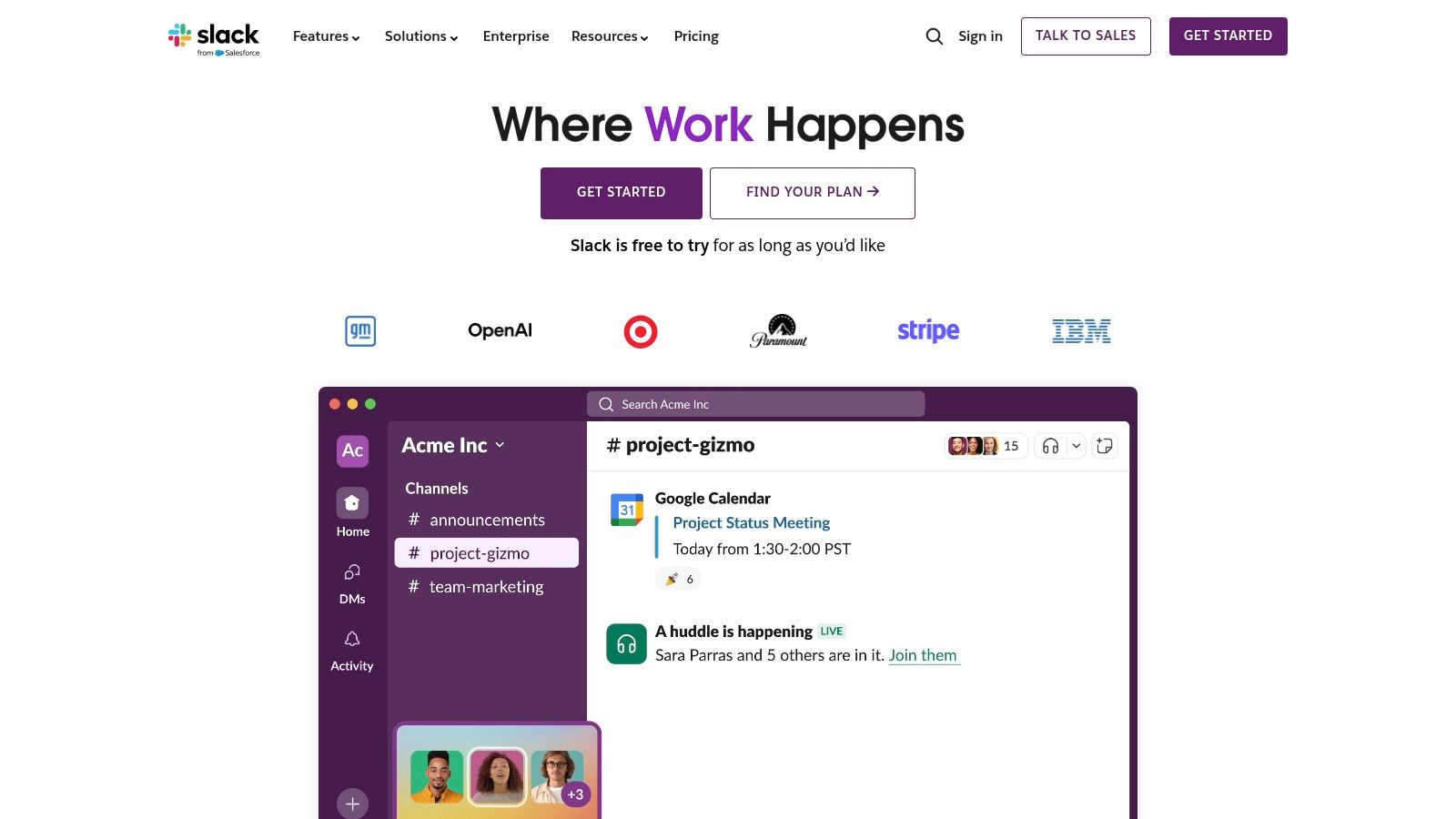
For sales leaders seeking top-tier remote sales teams, Slack provides a central hub for communication and strategy. Imagine a sales team distributed across the globe, collaborating on a major proposal. With Slack, they can share real-time updates on client interactions, access the latest version of the proposal in a shared channel, and quickly get feedback from colleagues, regardless of their physical location. This seamless communication eliminates delays and ensures everyone is on the same page. Furthermore, features like screen sharing and integrated video conferencing (though limited compared to dedicated video conferencing tools) allow for quick problem-solving and strategy alignment. For example, a sales manager can easily conduct a virtual training session for their remote team directly within Slack, saving time and streamlining the onboarding process.
Slack’s robust feature set plays a significant role in its effectiveness as a management tool. Organized channels for team and project-based communication keep conversations focused and prevent information overload. Direct messaging and group conversations enable quick check-ins and private discussions. File sharing and collaborative document editing eliminate the need for constant email attachments and version control issues. Furthermore, its extensive third-party app integrations (over 2,400 apps) connect Slack seamlessly with other crucial business tools like CRM platforms (Salesforce, HubSpot), project management software (Asana, Trello), and even HR management systems, unifying workflows and significantly boosting productivity.
Slack’s intuitive interface and excellent user experience make adoption smooth and straightforward. Even non-technical team members can quickly navigate the platform and leverage its features effectively. The powerful search functionality across all conversations and files ensures quick access to critical information, minimizing time wasted searching through email threads. Learn more about Slack for insights into maximizing its communication potential.
Slack offers flexible pricing options, including a generous free tier suitable for smaller teams or those wanting to test the platform. Paid plans unlock additional features like increased storage, advanced search capabilities, and group video calls with more participants. While pricing depends on the chosen plan, the free version provides ample functionality for many businesses. Technical requirements are minimal – Slack works on virtually any device with internet access via desktop applications, mobile apps, and web browsers.
While Slack offers substantial benefits, it's essential to be aware of potential drawbacks. If not properly managed, the constant stream of notifications and messages can be overwhelming and distracting. Establishing clear communication guidelines and utilizing features like Do Not Disturb and notification customization can mitigate this. The sheer number of channels can also become overwhelming, so thoughtful organization and channel management are crucial. Finally, storage limitations on lower-tier plans may require upgrading as your team grows.
Compared to email, Slack offers significant advantages for managing remote employees. It centralizes communication, fosters collaboration, and integrates with essential business tools. Alternatives like Microsoft Teams and Google Chat offer similar functionalities, but Slack's intuitive interface, extensive integrations, and robust search capabilities often make it the preferred choice for businesses seeking effective software to manage remote employees. Implementing Slack involves creating a workspace, inviting team members, setting up relevant channels, and configuring notification preferences. Encouraging team members to actively participate and integrate Slack into their daily workflow is crucial for maximizing its benefits.
2. Asana
Asana is a powerful project management platform well-suited for managing remote employees and optimizing workflows in various organizational settings, from early-stage startups to large enterprises. It provides a centralized hub for teams to collaborate, track progress, and manage projects effectively, regardless of location. Asana’s versatility makes it an excellent choice for businesses seeking software to manage remote employees, enabling streamlined communication and enhanced productivity across distributed teams. Its comprehensive features cater to diverse project management styles and complexities, making it adaptable to various team structures and objectives.
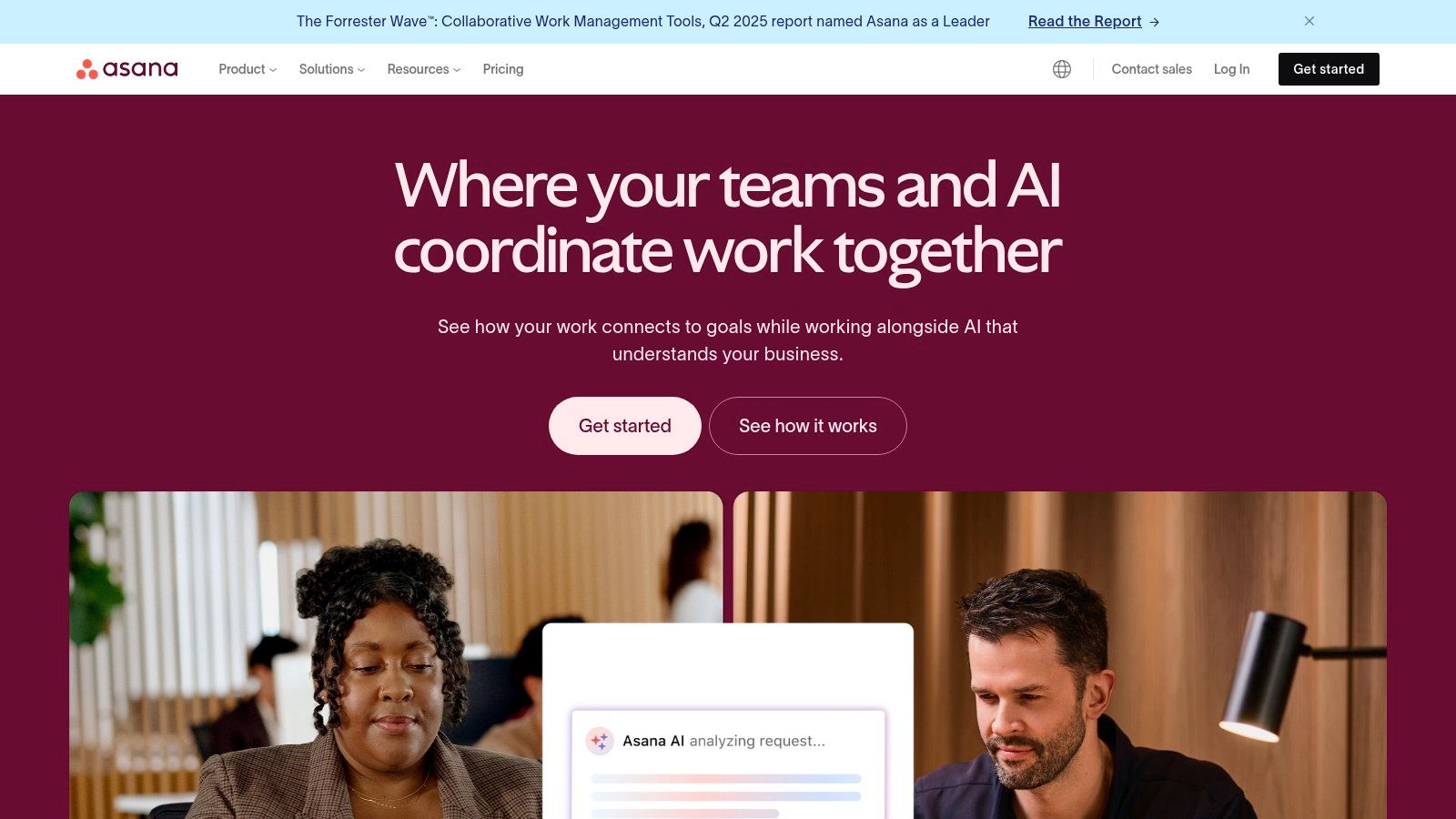
For early-stage startups striving for rapid revenue growth, Asana can be instrumental in organizing marketing campaigns, product development roadmaps, and sales strategies. By clearly defining tasks, assigning responsibilities, and tracking progress, startups can maintain momentum and achieve key milestones efficiently. Small and medium-sized businesses aiming to reduce sales hiring costs can leverage Asana to manage remote sales teams, providing a platform for lead tracking, sales pipeline management, and performance monitoring. This centralized approach reduces the need for extensive on-site supervision and facilitates seamless collaboration among remote sales representatives. For enterprise companies embracing a global workforce, Asana offers the scalability and robust features needed to coordinate complex projects across multiple departments and time zones. HR and talent acquisition professionals focused on global hiring can utilize Asana to manage recruitment workflows, onboarding processes, and performance evaluations for remote employees. Sales leaders seeking top-tier remote sales teams can utilize Asana’s reporting and analytics features to gain insights into individual and team performance, identify areas for improvement, and optimize sales strategies.
Asana offers multiple project views, including list, board, timeline, and calendar views, catering to different work preferences and project types. The list view provides a straightforward task management approach, while the Kanban-style board view facilitates agile workflows. The timeline view offers a Gantt chart representation for visualizing project schedules and dependencies, and the calendar view allows for a clear overview of deadlines and milestones. This flexibility empowers teams to choose the view that best suits their needs and project requirements.
Key features contributing to Asana's strength in managing remote teams include task dependencies and milestone tracking, facilitating seamless workflow management. Team collaboration tools and proofing features enhance communication and feedback loops, while custom fields and project templates streamline project setup and ensure consistency. Advanced reporting and portfolio management functionalities offer valuable insights into project progress and resource allocation.
Pros: Asana offers a highly flexible and customizable project management experience, adapting to diverse workflows. Its robust free tier supports up to 15 team members, making it an attractive option for smaller teams or startups. The excellent mobile app functionality ensures seamless access and collaboration on the go. Comprehensive reporting and analytics features provide valuable insights for data-driven decision-making.
Cons: While Asana offers extensive functionalities, some users may experience a steep learning curve for the more advanced features. For simple projects, the platform's complexity can sometimes be overwhelming. While integrations with time tracking tools exist, Asana’s native time tracking capabilities are limited. Accessing the full range of advanced features requires a paid subscription.
Pricing: Asana offers a free plan, a Premium plan (starting at $10.99 per user per month), and a Business plan (starting at $24.99 per user per month). The paid plans unlock additional features such as custom fields, timelines, and advanced reporting.
Technical Requirements: Asana is a web-based application accessible through any modern web browser. Mobile apps are available for iOS and Android devices.
Implementation Tips: Begin by clearly defining your project objectives and breaking down tasks into manageable units. Utilize Asana’s project templates to streamline project setup and ensure consistency. Encourage team members to actively engage with the platform for communication, task updates, and feedback. Explore integrations with other tools your team utilizes, such as communication platforms or file storage services, to create a seamless workflow.
By leveraging Asana effectively, businesses can streamline communication, enhance collaboration, and improve overall productivity within their remote teams. Its comprehensive features and flexible project views cater to a wide range of project needs, making it a valuable tool for managing remote employees and driving business success. Website: https://asana.com
3. Zoom
When discussing software to manage remote employees, Zoom almost immediately comes to mind. Its meteoric rise in popularity coincided with the global shift to remote work, transforming it from a convenient video conferencing tool into an essential platform for daily communication and collaboration. Zoom offers a robust suite of features that facilitate seamless interaction between team members, regardless of their physical location, making it a crucial element in the modern remote work toolkit, especially for businesses focused on scaling revenue and optimizing sales team structures. It empowers early-stage startups, SMBs, and enterprise companies alike to connect, collaborate, and manage their remote teams effectively, contributing significantly to reduced hiring costs and streamlined communication.
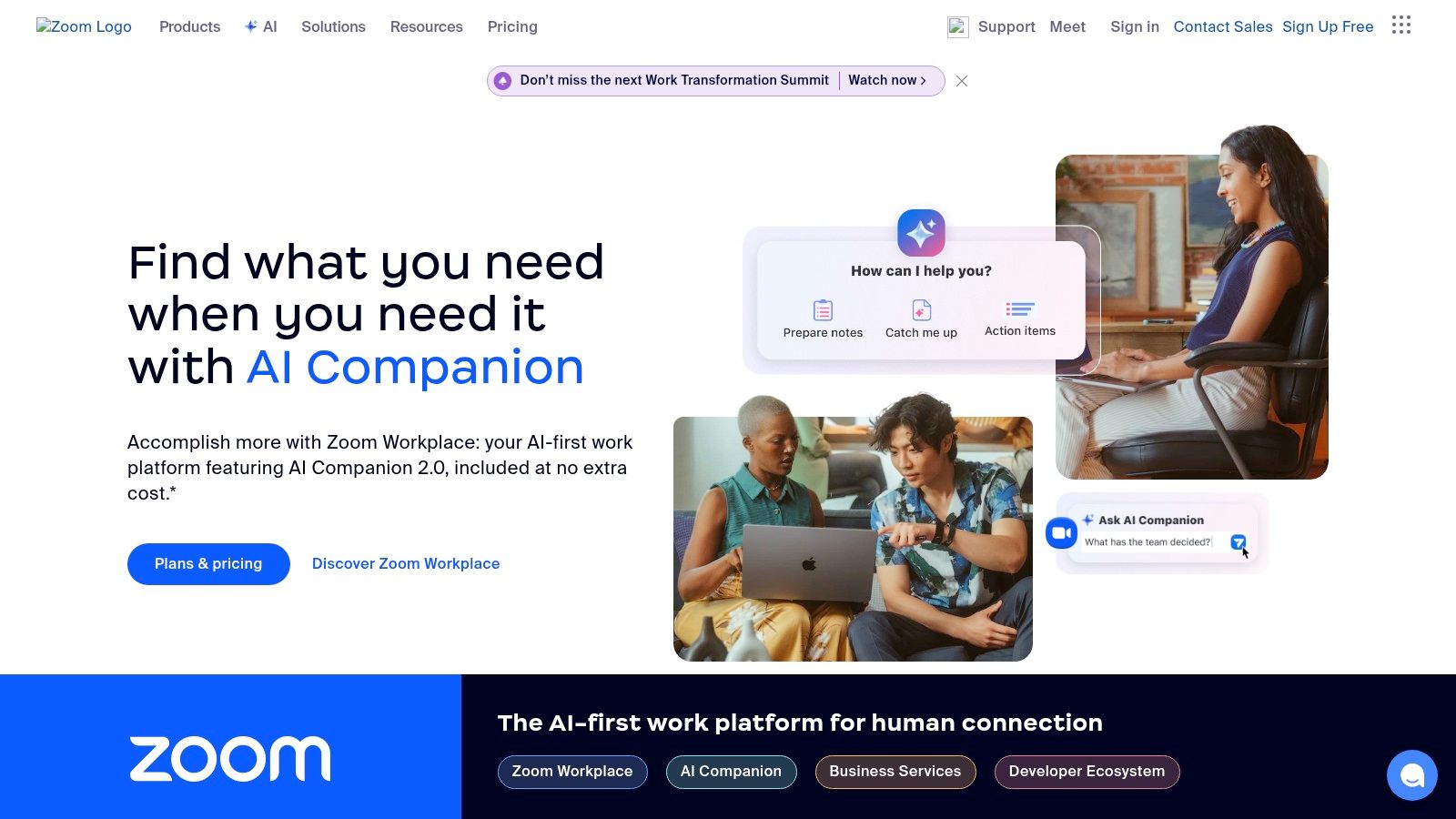
Zoom’s strength lies in its ability to support a wide range of communication needs. From quick one-on-one check-ins to large-scale webinars with thousands of attendees, Zoom provides a scalable solution for businesses of all sizes. This versatility is especially beneficial for sales teams who require diverse communication channels, whether it's for internal team meetings, client presentations, or large-scale product demos. For companies seeking remote sales expertise or aiming to reduce sales hiring costs, tools like Zoom become critical for effectively managing and training geographically dispersed teams. Learn more about Zoom to understand its application in managing remote sales teams specifically.
Key features contributing to Zoom’s effectiveness as a management tool include HD video and audio conferencing for up to 1,000 participants, screen sharing with remote control capabilities, breakout rooms for smaller group discussions, meeting recording and cloud storage, and virtual backgrounds along with waiting room features for enhanced security. These functionalities promote engaging and productive virtual meetings, fostering a sense of connection amongst distributed team members. Screen sharing, for example, enables real-time collaboration on projects and presentations, while breakout rooms facilitate focused discussions within smaller groups, mimicking the dynamics of in-person meetings. The recording feature is particularly useful for training purposes and for those unable to attend live sessions.
One of Zoom's biggest advantages is its user-friendly interface. Even those with limited technical expertise can easily navigate the platform and host or join meetings. This ease of use reduces the learning curve and ensures quick adoption across the organization, a key factor for busy HR and talent acquisition professionals focused on global hiring. Furthermore, Zoom integrates seamlessly with popular calendar and productivity applications, streamlining scheduling and improving workflow efficiency.
While Zoom offers a robust free plan, it limits group meetings to 40 minutes. Paid plans remove this restriction and offer additional features like cloud storage and larger participant capacities. Pricing varies based on the number of hosts and the features required. Technical requirements are minimal, though optimal performance is achieved with a stable internet connection and a relatively modern device. Older devices may experience performance issues, particularly with large meetings or screen sharing.
Although Zoom has faced security concerns in the past, these have largely been addressed through updates and enhanced security features. The platform now offers end-to-end encryption and robust security controls to protect user data and privacy. However, compared to dedicated collaboration platforms, Zoom's features beyond video conferencing are somewhat limited. For teams requiring extensive project management or file-sharing capabilities, integrating Zoom with other software may be necessary. Despite these limitations, Zoom remains a powerful and versatile tool for managing remote employees, facilitating effective communication, and fostering a sense of connection in the distributed workplace. Its ease of use, scalability, and robust feature set make it an invaluable asset for organizations of all sizes navigating the complexities of remote work.
4. Monday.com
Monday.com stands out as a powerful work operating system (WOS) ideal for managing remote employees, streamlining workflows, and boosting team collaboration. It centralizes all work processes, offering a highly customizable and visual platform to manage projects, track progress, and automate repetitive tasks. This makes it a compelling choice for businesses of all sizes looking for software to manage remote employees effectively, from early-stage startups to large enterprise companies. Its adaptability across diverse industries, from creative agencies to software development teams, further solidifies its position as a leading solution.
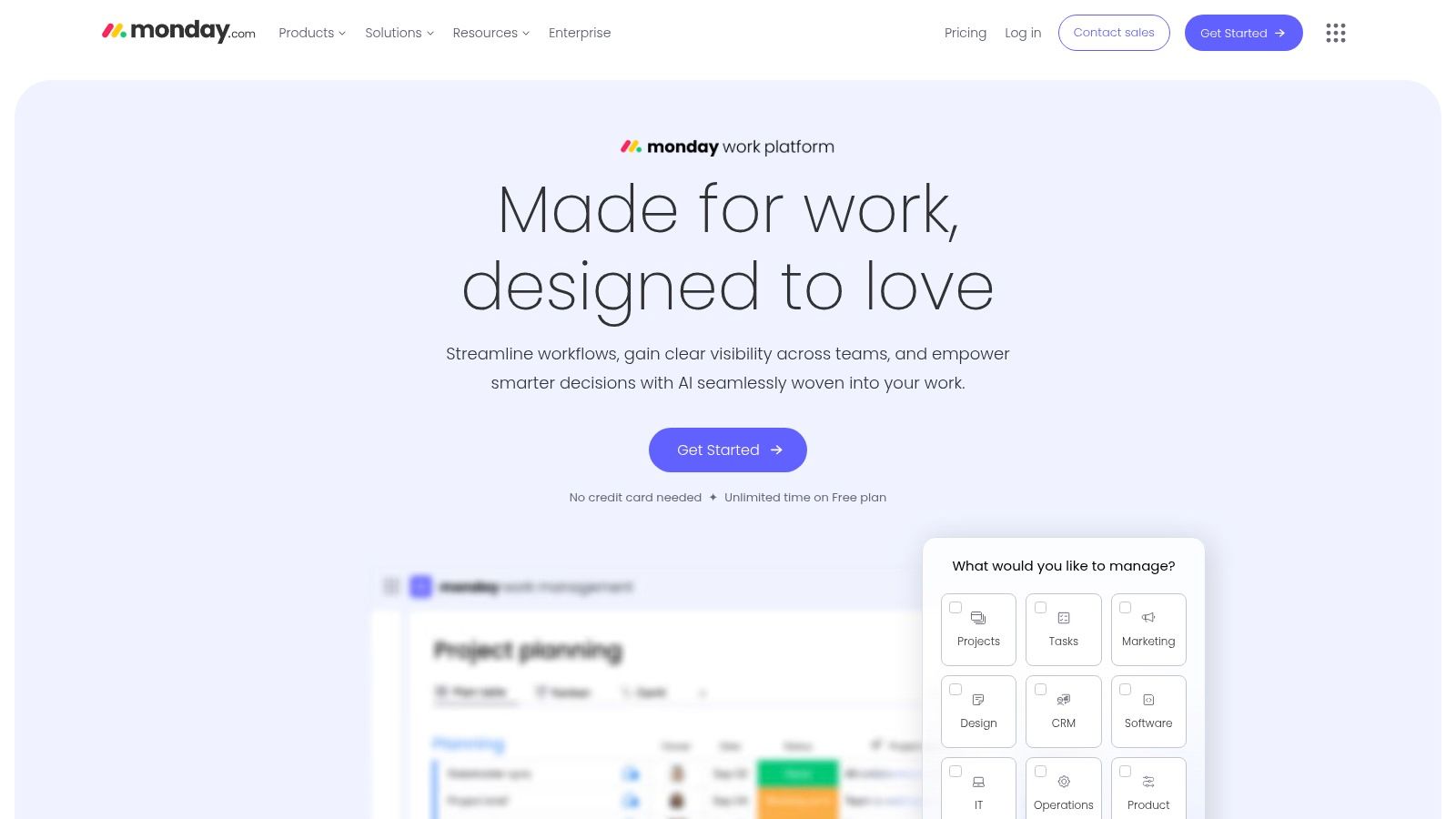
For remote teams, Monday.com's value lies in its ability to create a transparent and organized digital workspace. Imagine a sales team spread across different time zones. With Monday.com, sales leaders can create customized boards for each region, visualize deal pipelines, track individual performance metrics, and automate follow-up reminders. This eliminates the need for endless email chains and fragmented communication, fostering a sense of unity and purpose even amongst geographically dispersed teams. HR and talent acquisition professionals engaged in global hiring can also leverage Monday.com to manage applicant pipelines, track interview stages, and collaborate on candidate evaluations, significantly streamlining the hiring process.
One of Monday.com’s core strengths is its highly visual and intuitive interface. Users can choose from multiple project view options, including Kanban boards, Gantt charts, calendars, and timelines, providing flexibility to adapt to different project management styles and team preferences. This visual approach simplifies complex projects and makes it easier for remote employees to understand project status and individual responsibilities at a glance. The platform’s robust automation capabilities further enhance efficiency by automating repetitive tasks such as assigning tasks, sending notifications, and updating project statuses, freeing up valuable time for remote employees to focus on higher-value activities. For instance, a marketing team can automate content approval workflows, ensuring seamless collaboration between content creators, editors, and approvers, regardless of their location.
Monday.com offers a range of plans to accommodate different team sizes and budgets. The free plan is limited to two users and basic features, making it suitable for very small teams or individuals. Paid plans offer more advanced features, integrations, and user capacity, with pricing scaling based on the number of users and required features. While the pricing can become substantial for larger teams, the value derived from improved collaboration, streamlined workflows, and enhanced productivity often justifies the investment, especially for businesses focused on scaling revenue and optimizing remote team performance. It’s worth noting that compared to similar project management tools like Asana or Trello, Monday.com offers a more comprehensive suite of features, albeit at a higher price point.
Implementing Monday.com for remote team management requires careful planning and customization. Start by identifying key workflows and processes that need to be digitized. Then, leverage Monday.com's customizable templates and boards to create a structured digital workspace that mirrors existing processes. Invest time in training remote employees on how to use the platform effectively and encourage them to explore its various features. While the platform boasts an intuitive interface, mastering complex customizations can involve a learning curve. To mitigate this, utilize the extensive resources offered by Monday.com, including webinars, tutorials, and dedicated customer support.
While Monday.com offers a compelling suite of features, it’s crucial to be aware of its limitations. The free plan is extremely restricted, and the abundance of features can sometimes feel overwhelming for new users. Furthermore, complex customizations can require a significant time investment and may initially seem daunting. However, with dedicated training and effective onboarding, these challenges can be overcome.
For businesses looking for software to manage remote employees effectively, Monday.com provides a comprehensive and visually appealing platform. Its powerful customization options, automation capabilities, and diverse project view options make it a strong contender for organizations aiming to enhance collaboration, streamline workflows, and improve overall productivity within their remote teams. While the cost can be a factor, the long-term benefits in terms of improved efficiency and remote team management often outweigh the initial investment, particularly for companies seeking to scale revenue and optimize remote workforce performance. You can explore Monday.com's features and pricing on their website: https://monday.com
5. Toggl Track
Managing a remote team presents unique challenges, especially when it comes to tracking productivity and ensuring everyone is effectively utilizing their time. For businesses seeking a robust solution specifically designed for time management, Toggl Track emerges as a powerful contender among software to manage remote employees. It provides a comprehensive platform to monitor work hours, analyze project progress, and gain valuable insights into team performance. This makes it particularly valuable for early-stage startups, SMBs, and even enterprise companies with distributed teams, all of whom benefit from clear visibility into how time is being spent. Toggl Track helps bridge the geographical gap by providing a central hub for time management, fostering transparency and accountability across the entire team.
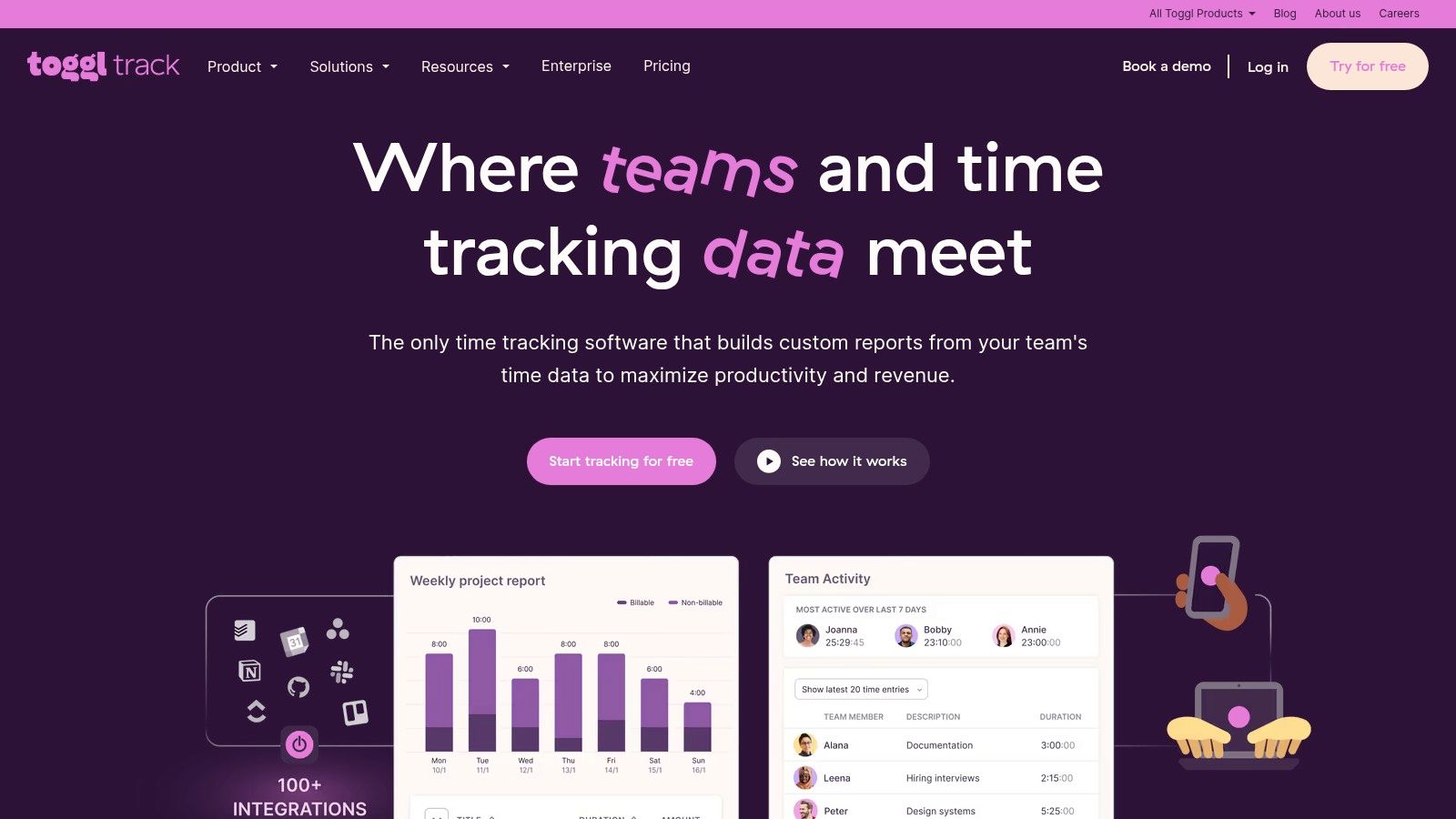
Toggl Track offers both manual and automatic time tracking options, catering to diverse work styles and preferences. Employees can manually start and stop the timer for specific tasks or leverage the automatic tracker, which intelligently records application usage and website visits. This flexibility allows for accurate time logging without interrupting workflow. The software’s detailed reporting and analytics dashboard provides a granular view of time allocation across projects, clients, and individual team members. This data empowers managers to identify potential bottlenecks, optimize workflows, and make informed decisions regarding resource allocation. For businesses focused on client billing, Toggl Track offers accurate time tracking, ensuring invoices reflect the actual time spent on each project. This feature is invaluable for maintaining profitability and building trust with clients.
One of Toggl Track’s standout features is its one-click time tracking with project categorization. This streamlined approach simplifies the time logging process, encouraging consistent usage among team members. The intuitive interface ensures a minimal learning curve, allowing even non-technical users to quickly adopt the platform. The platform boasts integrations with over 100 popular business tools, including project management software like Asana and Trello, communication platforms like Slack, and CRM systems like Salesforce. This seamless integration allows for a centralized workflow, eliminating data silos and streamlining various business processes. Furthermore, Toggl Track offers robust mobile apps for iOS and Android, complete with offline functionality. This allows remote employees to track their time even when working without internet access, ensuring accurate data capture regardless of location.
While Toggl Track excels at time tracking, its project management capabilities are limited compared to dedicated project management tools. Users looking for advanced features like task dependencies, Gantt charts, or collaborative workspaces might need to supplement Toggl Track with other software. While the free tier generously supports up to 5 users, access to advanced reporting and analytics requires a paid subscription. Similarly, features like idle time detection and team productivity insights are also locked behind paywalls. Businesses should carefully evaluate their needs and budget when considering the different pricing tiers. Lastly, Toggl Track lacks built-in communication or collaboration tools. While it integrates with other platforms, the absence of native communication features can create fragmentation in team communication if not managed effectively. Some users have also reported that the focus on time tracking can feel overly focused on monitoring rather than empowering employees. This perception can be mitigated by emphasizing the tool's benefits for productivity analysis and personal time management.
Toggl Track offers a free plan for up to 5 users, ideal for small teams or freelancers. Paid plans, starting at $10 per user per month, unlock advanced features like team management, detailed reporting, and integrations. Technical requirements are minimal, with the platform accessible through a web browser or dedicated mobile apps.
For businesses seeking a dedicated solution for time tracking and productivity analysis, Toggl Track offers a compelling option. Its simple interface, comprehensive reporting, and generous free tier make it a valuable tool for managing remote teams. While it may lack advanced project management features, its focus on time management makes it a valuable asset for optimizing workflows and improving overall team efficiency. If your primary goal is to gain granular insights into time usage and enhance productivity across your remote workforce, Toggl Track deserves serious consideration. You can explore the platform and its features further by visiting their website: https://toggl.com
6. Trello
Trello is a highly visual project management tool that leverages the Kanban board methodology, making it a strong contender for software to manage remote employees. Its card-and-board system simplifies project organization, providing an intuitive interface that teams can quickly adopt. This ease of use, combined with a generous free tier packed with useful features, makes Trello particularly appealing to small and medium-sized businesses seeking efficient ways to manage their remote workforce. For early-stage startups aiming to scale revenue, the collaborative features of Trello can keep distributed teams aligned and focused on key objectives. Similarly, SMBs aiming to reduce sales hiring costs can utilize Trello to streamline onboarding and training processes for their remote sales teams.
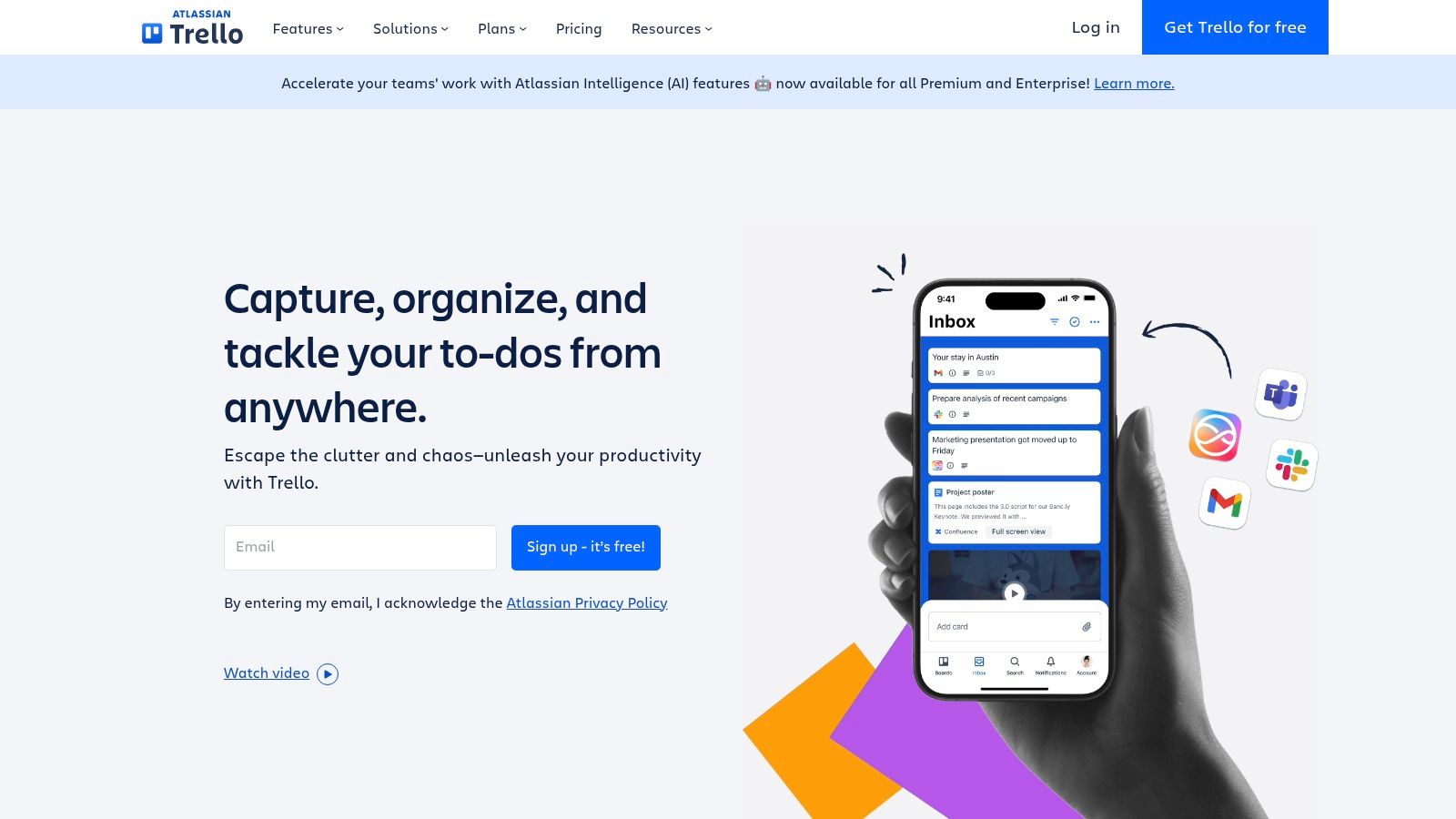
Trello's core strength lies in its visual approach. Projects are represented as boards, tasks as cards, and progress stages as lists. This visual workflow allows remote team members to instantly grasp project status and individual responsibilities. Cards can be customized with due dates, checklists, attachments, and comments, fostering seamless collaboration and communication even across geographical distances. This transparency is invaluable for sales leaders seeking top-tier remote sales teams, as it provides a clear overview of individual and team performance. For HR and talent acquisition professionals focused on global hiring, Trello can be a useful tool to manage the various stages of the hiring pipeline, from initial screening to offer letters.
While its simplicity is a major draw, Trello also offers a degree of scalability through its Power-Ups. These add-ons integrate with other popular software like Slack, Google Drive, and Dropbox, extending Trello's functionality and connecting it with tools already used within the organization. Power-Ups also introduce functionalities like calendar views, custom fields, and advanced reporting, addressing some of the limitations of the basic Trello platform. For example, the Butler Power-Up automates repetitive tasks, such as moving cards between lists based on specific criteria, freeing up valuable time for remote employees to focus on high-value activities.
Trello offers a flexible pricing structure suitable for businesses of all sizes. A free tier provides access to core features, making it a viable option for smaller teams or startups. Paid plans unlock additional features like unlimited boards, advanced administrative controls, and priority support. Specifically, Standard, Premium, and Enterprise plans cater to progressively larger teams and more complex project management needs. While specific technical requirements are minimal, a stable internet connection and a modern web browser are all that is required to access Trello's web application. Mobile apps are also available for iOS and Android devices, enhancing accessibility and allowing remote employees to stay connected on the go.
Compared to more complex project management tools like Asana or Monday.com, Trello excels in its simplicity and ease of use. While it may lack the robust features required for highly complex projects with intricate dependencies, its intuitive interface makes it ideal for managing tasks, tracking progress, and facilitating team collaboration in a remote work setting. This is especially beneficial for enterprise companies looking for remote sales expertise, where clear communication and task management are crucial for successful remote team integration.
Implementing Trello within a remote team is generally straightforward. Start by creating a board for each project and defining the lists that represent the different stages of the workflow. Then, create cards for individual tasks, assign them to team members, and set due dates. Encourage team members to actively use the comment section for updates, questions, and feedback. Utilize the checklist feature to break down larger tasks into smaller, manageable steps. Finally, explore the available Power-Ups to customize Trello to the specific needs of your team and integrate with existing workflows.
While Trello's simplicity is a major advantage, it's important to be aware of its limitations. It's not ideally suited for managing projects with complex dependencies, and the lack of built-in time tracking and reporting can be a drawback for some teams. For larger projects, boards can become cluttered, making navigation challenging. However, for teams looking for a user-friendly, visually-driven tool to manage remote employees and facilitate collaboration, Trello offers a powerful and accessible solution. Its generous free tier, combined with the flexibility offered by Power-Ups, makes it a valuable asset for businesses seeking to streamline their remote work processes and maximize team productivity. The website, https://trello.com, provides further details and allows you to explore its features.
7. Microsoft Teams
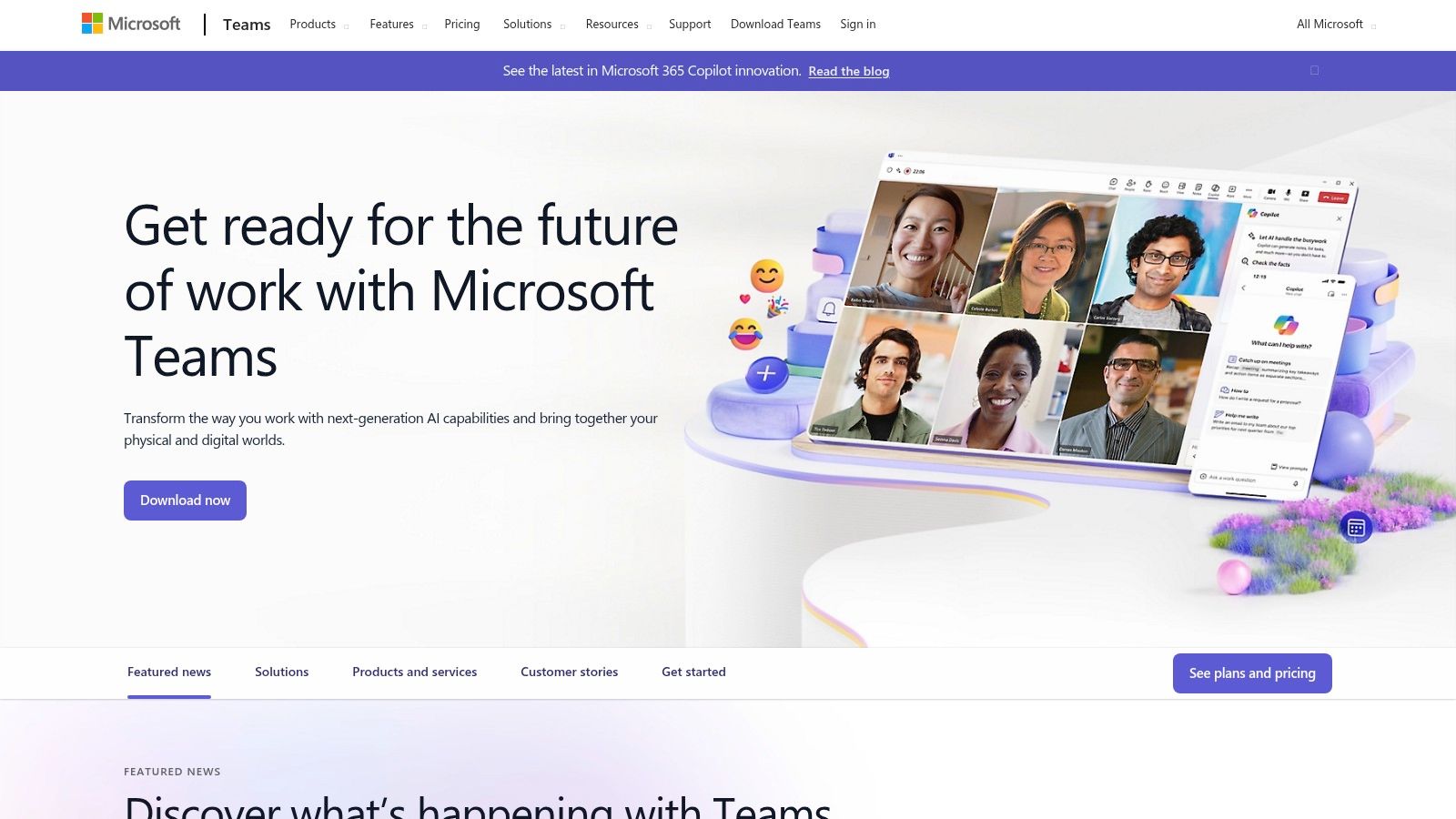
Microsoft Teams is a powerful platform well-suited for managing remote employees, offering a centralized hub for communication, collaboration, and project management. As businesses increasingly rely on remote workforces, software like Microsoft Teams becomes essential for maintaining productivity and fostering a connected team environment. Its comprehensive suite of tools helps streamline workflows, improve communication, and facilitate seamless collaboration, making it a valuable asset for businesses of all sizes looking for effective software to manage remote employees. Its tight integration within the Microsoft 365 ecosystem makes it particularly attractive for organizations already leveraging Microsoft products.
For early-stage startups scaling revenue, Microsoft Teams can provide a cost-effective communication and collaboration solution, consolidating various tools into one platform. Small and medium-sized businesses can leverage Teams to reduce sales hiring costs by facilitating effective communication and collaboration amongst dispersed sales teams. Enterprise companies seeking remote sales expertise can utilize Teams to onboard, train, and manage remote sales teams, ensuring consistent communication and knowledge sharing. HR and talent acquisition professionals focused on global hiring can use Teams to streamline communication with candidates and new hires across different time zones. Finally, sales leaders seeking top-tier remote sales teams can use Teams to foster a collaborative environment, track progress, and provide real-time feedback, ultimately boosting sales performance.
One of the key strengths of Microsoft Teams lies in its integrated approach. It combines persistent chat, video conferencing, and file sharing within a single interface, eliminating the need to switch between different applications. This streamlined workflow significantly improves efficiency and reduces the likelihood of miscommunication. Channels within Teams allow for organized team communication, ensuring that conversations are focused and relevant to specific projects or departments. Guest access and external collaboration capabilities further enhance Teams' versatility, enabling seamless communication with clients, partners, and external stakeholders. This is particularly useful for remote teams who frequently collaborate with individuals outside the organization.
For example, a sales team can use a dedicated channel to discuss sales strategies, share leads, and track progress. The marketing team can use a separate channel for brainstorming campaigns and sharing content. This structured approach to communication ensures that information is readily accessible to the relevant team members, promoting transparency and accountability. The integration with Microsoft 365 applications like Word, Excel, and PowerPoint allows for seamless document collaboration. Teams can co-author documents in real-time, eliminating the need for version control and simplifying the feedback process. This is crucial for remote teams working on collaborative projects.
Microsoft Teams offers robust security and compliance features, a crucial consideration for businesses managing sensitive data. This includes data encryption, multi-factor authentication, and compliance with various industry regulations. This is especially important for organizations operating in regulated industries such as healthcare or finance.
Teams is included with most Microsoft 365 subscriptions, making it a cost-effective solution for organizations already using the Microsoft ecosystem. However, the full functionality of Teams is tied to a Microsoft 365 subscription. Standalone versions offer limited features. Pricing for Microsoft 365 varies depending on the plan chosen. Technical requirements are minimal, requiring a compatible operating system (Windows, macOS, iOS, Android) and a stable internet connection.
While Teams excels in many areas, it does have some drawbacks. Users unfamiliar with the Microsoft ecosystem may find the interface overwhelming initially. Performance can sometimes be slower compared to dedicated tools for specific functions like video conferencing. Customization options are also limited compared to some other platforms.
Implementation Tips:
- Start with a pilot program: Introduce Teams to a small group of users initially to gather feedback and identify any potential challenges.
- Provide training: Offer comprehensive training to ensure users understand how to leverage Teams' features effectively.
- Establish clear communication guidelines: Define how different channels should be used and encourage consistent communication practices.
- Integrate with existing workflows: Connect Teams with other tools and applications used by the team to streamline workflows.
Microsoft Teams is a valuable tool for software to manage remote employees, offering a centralized hub for communication, collaboration, and project management. Its comprehensive features, integration with the Microsoft ecosystem, and robust security make it a strong contender for businesses seeking an all-in-one solution for managing remote workforces. While it may have some drawbacks, the benefits of streamlined communication, enhanced collaboration, and improved productivity make Microsoft Teams a worthwhile investment for organizations looking to empower their remote teams. You can explore more about Microsoft Teams at https://www.microsoft.com/en-us/microsoft-teams/group-chat-software.
8. Hubstaff
Hubstaff is a powerful software solution designed to manage remote employees, offering a comprehensive suite of tools for time tracking, productivity monitoring, project management, and even payroll. It's a valuable asset for businesses of all sizes seeking to streamline operations and maximize the efficiency of their distributed workforce. This platform goes beyond simple time tracking, providing deep insights into employee activity and project progress, making it a strong contender for companies seeking granular control and data-driven decision-making. Whether you're an early-stage startup, a growing SMB, or a large enterprise, Hubstaff's features cater to a diverse range of needs, helping businesses optimize their remote workforce and achieve their objectives.
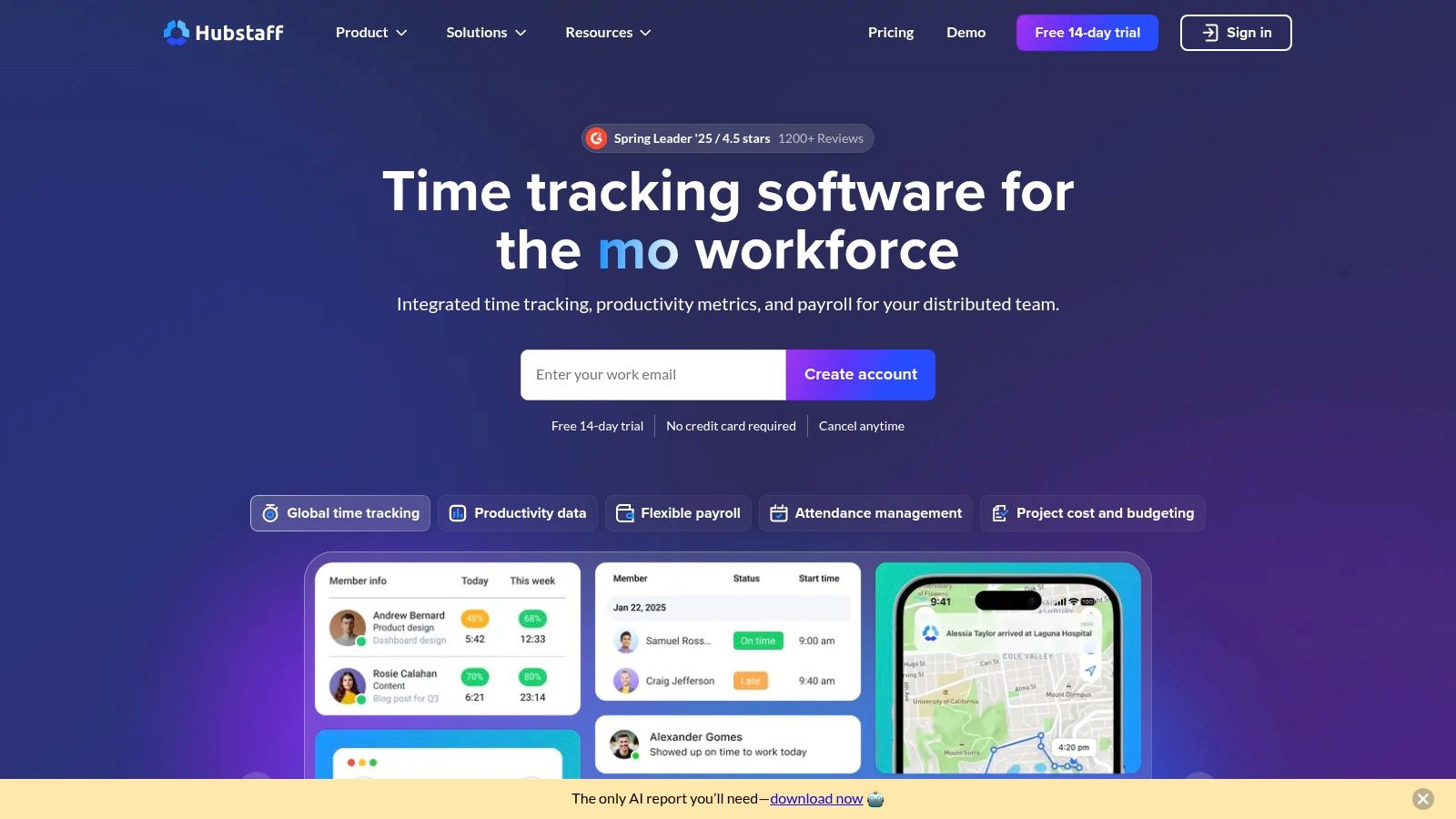
One of Hubstaff's key strengths lies in its comprehensive approach to workforce management. It combines several essential functionalities into a single platform, eliminating the need for multiple, disjointed tools. This integrated approach streamlines workflows, improves communication, and provides a holistic view of team performance. For example, project managers can assign tasks, track progress, monitor time spent on each task, and even manage payments, all within the Hubstaff platform. This consolidation of functionalities not only saves time but also ensures data consistency and reduces the risk of errors.
Hubstaff's automatic time tracking with screenshot monitoring provides detailed insights into how employees spend their time. While some may view these features as invasive, they can be invaluable for ensuring accountability and identifying areas for improvement. For instance, by analyzing time tracking data, managers can identify bottlenecks in workflows, pinpoint tasks that consistently take longer than expected, and optimize processes for greater efficiency. This data-driven approach to performance management helps businesses identify areas for training and development, ultimately boosting overall productivity. GPS tracking, a particularly useful feature for businesses with field teams, allows for accurate tracking of employees' locations and ensures they are adhering to schedules. This feature is particularly beneficial for businesses in industries like logistics, delivery services, and field sales.
The platform’s integrated payroll and invoicing capabilities streamline administrative tasks and significantly reduce the time spent on these processes. Hubstaff can automate payroll calculations based on tracked time, simplifying payment processing and ensuring accuracy. Similarly, the invoicing feature generates client invoices based on project progress and tracked time, making billing efficient and transparent. This seamless integration between time tracking, payroll, and invoicing minimizes manual effort and frees up valuable time for other strategic initiatives.
Hubstaff also shines in its project budgeting and expense tracking features. By setting budgets for projects and tracking expenses in real-time, businesses can maintain financial control and prevent cost overruns. This level of financial oversight is crucial for ensuring projects remain profitable and within budget. Furthermore, Hubstaff’s robust reporting capabilities provide valuable insights into project performance, resource allocation, and overall team productivity. These detailed analytics empower businesses to make informed decisions, optimize resource allocation, and drive continuous improvement.
While Hubstaff offers a powerful set of features, it's important to consider its potential drawbacks. The employee monitoring features, while beneficial for some, may be perceived as intrusive by others and potentially create trust issues. Additionally, the limited free tier, which only supports one user, may not be suitable for smaller businesses or freelancers. The platform's complexity, while offering a rich feature set, can be overwhelming for users with simple time tracking needs. If you're looking for basic time tracking without the advanced features, simpler alternatives might be more appropriate. You can learn more about Hubstaff and explore how it aligns with your specific remote team requirements.
For those seeking a robust solution for software to manage remote employees, Hubstaff offers a compelling proposition. Its comprehensive features, combined with detailed reporting and analytics, make it a valuable tool for businesses looking to optimize their remote workforce and drive productivity. While it may not be suitable for everyone, particularly those with basic time tracking needs or concerns about employee privacy, its comprehensive features and focus on data-driven insights make it a worthy contender for businesses seeking a powerful solution to manage their remote teams effectively. Visit the Hubstaff website to explore their pricing plans and determine if it's the right fit for your organization.
Remote Employee Management Tools Comparison
| Tool | Core Features / Unique Selling Points ✨ | User Experience ★★★★☆ | Value Proposition 💰 | Target Audience 👥 | Price Points 💰 |
|---|---|---|---|---|---|
| Slack | Messaging, channels, file sharing, 2400+ app integrations | Intuitive, powerful search | Flexible pricing, free tier | Distributed teams, remote workers | Free / Paid Tiers |
| Asana | Multi-view PM, dependencies, templates, reporting | Flexible, steep learning curve | Strong free tier, paid advanced | Project teams, complex workflows | Free / Paid |
| Zoom | HD video/audio, breakout rooms, recording, security | Reliable, user-friendly | Essential video conferencing | All org sizes, remote meetings | Free / Paid |
| Monday.com | Custom workflows, automation, visual tracking | Visual, customizable | Automation reduces manual work | Diverse industries, workflow custom | Paid (limited free) |
| Toggl Track | Time tracking, idle detection, 100+ integrations | Simple, intuitive | Strong free tier, mobile offline | Remote teams, freelancers | Free / Paid |
| Trello | Kanban boards, Power-Ups, automation | Very user-friendly, visual | Generous free tier | Small to mid-size teams | Free / Paid |
| Microsoft Teams | Integrated chat, video, Microsoft 365 apps, security | Deep Office integration | Included in 365, enterprise-ready | Microsoft ecosystem users | Microsoft 365 Subscription |
| Hubstaff | Time & GPS tracking, monitoring, payroll | Detailed insights, mobile app | Full workforce mgmt solution | Remote teams, field/mobile workers | Paid (limited free) |
Building a Thriving Remote Team with AboutHire and the Right Software
Managing a remote team effectively requires a multifaceted approach, and selecting the right software to manage remote employees is a critical component. From communication platforms like Slack and Microsoft Teams to project management tools like Asana, Trello, and Monday.com, and time-tracking software like Toggl Track and Hubstaff, the options we've explored offer powerful solutions to streamline workflows, enhance collaboration, and boost productivity. Remember that choosing the best tools depends entirely on your specific needs, team size, and budget. Consider factors like ease of use, integration capabilities, and reporting features when making your decisions. Managing remote employees effectively requires not just the right software but also the right strategies. Check out this comprehensive guide on how to manage remote teams from LeaveWizard.
Implementing these tools effectively is just as important as choosing the right ones. Ensure proper onboarding and training for your team to maximize the benefits and encourage consistent usage. Clear communication and established processes are key to seamlessly integrating these tools into your daily operations.
Building a thriving remote team is about more than just software; it's about finding the right people. By combining the power of robust software solutions with a talented remote workforce, you can unlock unprecedented levels of productivity and success. Ready to build your dream remote team? AboutHire specializes in connecting businesses with top-tier remote sales talent from Latin America and Europe, seamlessly integrating with your chosen software to optimize performance. AboutHire can help you source, train, and manage your remote sales team, freeing you to focus on scaling your business.